 Rinkmate
A team schedule app with RSVPs everyone actually answers
Post every game and practice once. Players tap in, out or maybe, and you see the headcount before game day.
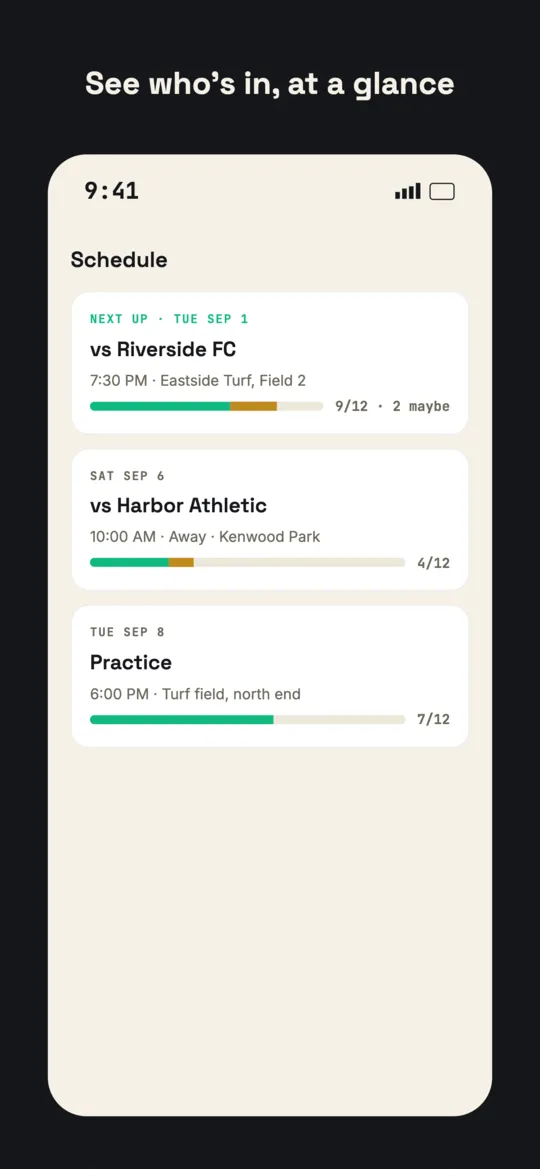
In, out or maybe, in two taps
The next event is on the home screen with the answer buttons right there, so replying takes seconds.
See who is actually showing up
The roster sorts itself by who has replied, so a quiet player is easy to spot.
Remind only who has not answered
Managers can send one reminder to the players who have not answered yet for an event. The list is worked out on the server, so it only reaches the right people.
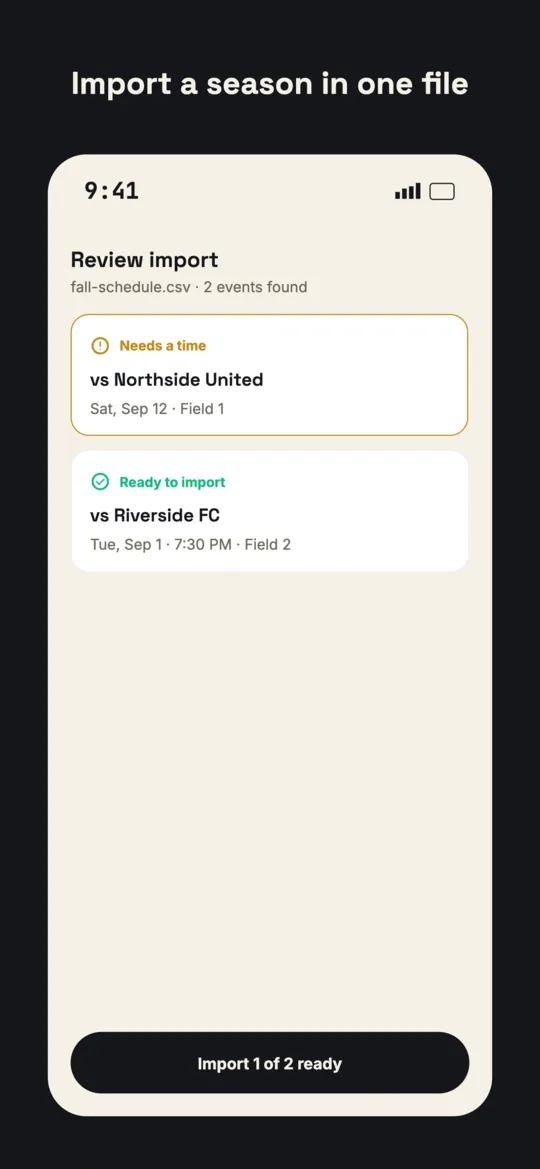
A whole season from one spreadsheet
Import a schedule from a CSV or Excel file, with a review step that catches malformed rows and duplicates before anything is created.
Games and practices, kept distinct
Games and practices show differently on the schedule, and each game has a detail page with its lineup.
Frequently asked questions
Can I import my schedule?
Yes. Import games from a CSV or XLSX file and review each row before it is added.
Can I remind players who have not replied?
Yes. Managers and coaches can send a reminder to just the players who have not answered for an event.
Can players see who else is coming?
Yes. The team can see who is in, out and maybe for each event.
Keep reading
- Team management appEverything Rinkmate does for a team.
- League management softwareLink every team under one league account.
- Guides for managersPractical how-tos for running a team or league.
Get your team organized today
Free for players and your first two teams. Set up in a couple of minutes, on the web, iPhone, Android or Mac.